In short.
features_pages.schemas.kurzText
No code
Object types, fields and relations are built in the browser, not in an IT project
Nineteen field types
From text and date through currency and rating to a reference to another type
For the whole installation
A schema belongs to no single space, so the same record counts everywhere
Four roles per schema
Admin, editor, contributor and viewer, assigned per person or group
When the register is a spreadsheet that belongs to one person.
The list of suppliers is in one spreadsheet, the server list in a second, and the link between them is a column of names that do not quite match. Whoever changes something sends the file around. A schema keeps the same information as types with fields, and the link becomes a relation instead of a spelling.
The same company appears in three spreadsheets in three spellings.
Nobody can see which cases hang off a contract or a device.
A register of your own otherwise needs a project and a budget approval.
What you gain.
The model on one canvas
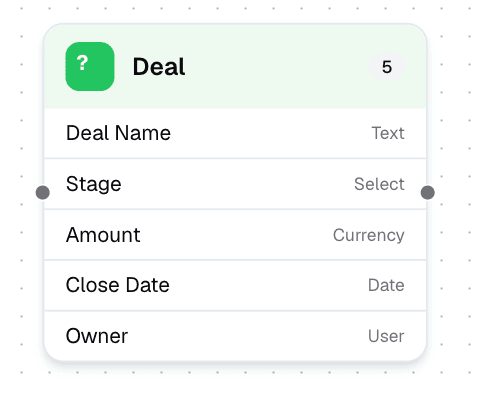
Object types sit as nodes on a canvas, relations as lines between them. Clicking a node opens its fields, dragging rearranges the canvas. One field per type is the name shown everywhere, and where it makes sense a field can require a value or allow it only once.
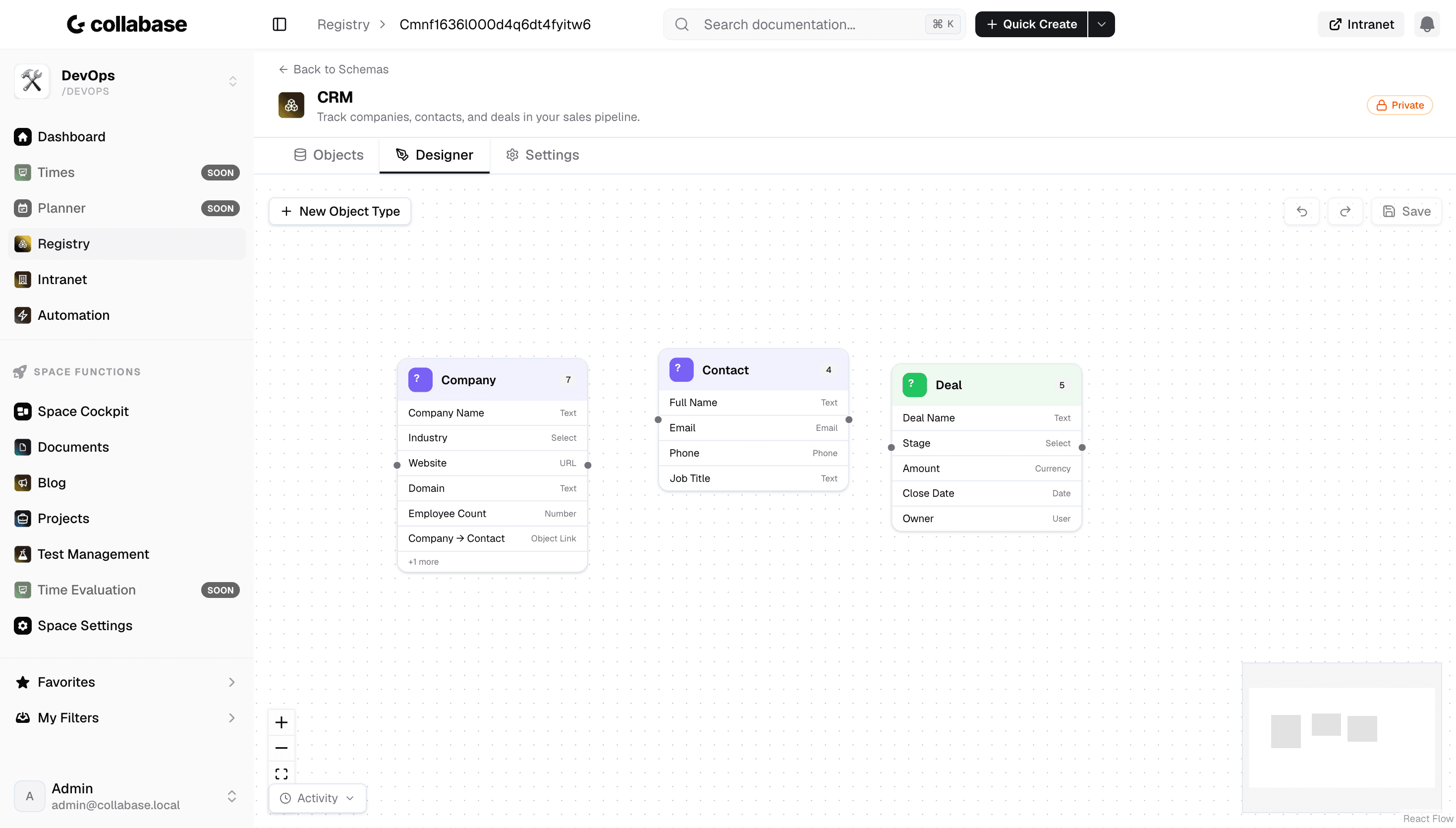
Relations instead of matching spellings
A contract points at a customer, a device at a department. The relation is directed and carries a name, and several may run between the same two types. On a single record, all connected objects appear as a list or a graph, one click away from the next one.
Maintaining and finding records
The browser shows a table per type with one column per field. Filters follow the field type: contains, greater than, is empty, is linked to. New records arrive one by one through the form or as a CSV with a column mapping, and whatever is filtered on screen leaves as a CSV in the same shape.
Permissions per schema, and a link to the work
Per schema you assign admin, editor, contributor or viewer to people and groups, plus a default for everyone else. A field of type registry object connects a record with the work items that concern it, and on the record they sit together across all projects.
Who this pays off for.
IT operations
Server, licence and the department responsible hang together instead of in three lists.
Procurement
Supplier, contract and contact live in the same model, with their terms.
Sales
Customer, opportunity and contact form a register of their own without a separate system.
Manufacturing
Article, category and supplier carry their fields and can be linked to each other.
Registry schemas belong to Registry.
A schema applies across the whole installation and is therefore independent of any single space. Through a field of type registry object, work items from Projects and pages from Docs hang off it, and the automation engine reacts to every new and every changed record. All apps share login, permissions and data. One contract, one deployment, one point of contact.

Docs

Projects

Intranet

Registry

Test Management

Automation

Time
Operations and data sovereignty.
Where the data sits is decided by the operating model, not by the small print.
Swiss hosted
Operated on Swiss public cloud at Infomaniak, one isolated environment per customer. Content is processed in Switzerland only, apart from the upstream web application firewall.
Self-hosted
Runs on your own infrastructure. Full control over the data, no access from outside.
revFADP & GDPR
Data processing agreement included. Compliant with the revised Swiss data protection act and the GDPR.
One product, all apps.
Collabase Enterprise
On request
Staged by user count
Registry Schemas is part of the Enterprise plan. All seven apps, no add-ons.
Questions from first conversations.
Registry Schemas in practice: what comes up most often in a first conversation.
features_pages.schemas.faq1Q
features_pages.schemas.faq1A
features_pages.schemas.faq2Q
features_pages.schemas.faq2A
features_pages.schemas.faq3Q
features_pages.schemas.faq3A
features_pages.schemas.faq4Q
features_pages.schemas.faq4A
Turn one of your spreadsheets into a schema.
In the proof of concept we model one of your registers and load your existing data into it from CSV.