In short.
Collabase Time is the time tracking of the Swiss platform Collabase. Effort is logged on the task, the ticket or the project and can be reported by customer, project, cost centre, person and period. The Excel or PDF export reaches accounting without rework.
Without switching tools
Time runs on the task, ticket or project, not in a second tool
Reports per dimension
By client, project, cost centre, person or period
Budgets in sight
Warnings as soon as a project budget approaches its limit
Export for accounting
Excel and PDF per client, project or cost centre, without rework
When tracking time is more work than the work itself.
Hours are entered days later from memory, because switching to the separate tool is too cumbersome. At month end the context is missing for what three hours actually covered, and invoices rest on estimates. Time closes that gap by running the clock on the task itself.
Your people enter hours several days late and estimate while doing it.
You bill by effort but cannot show cleanly at month end what the hours went into.
You pay for a separate time tracking tool next to your ticket system, although both manage the same work.
What you gain.
A timer inside the workflow
Time starts on the task with one click. If someone forgets to stop a session they correct it afterwards, and carrying entries across days is allowed.
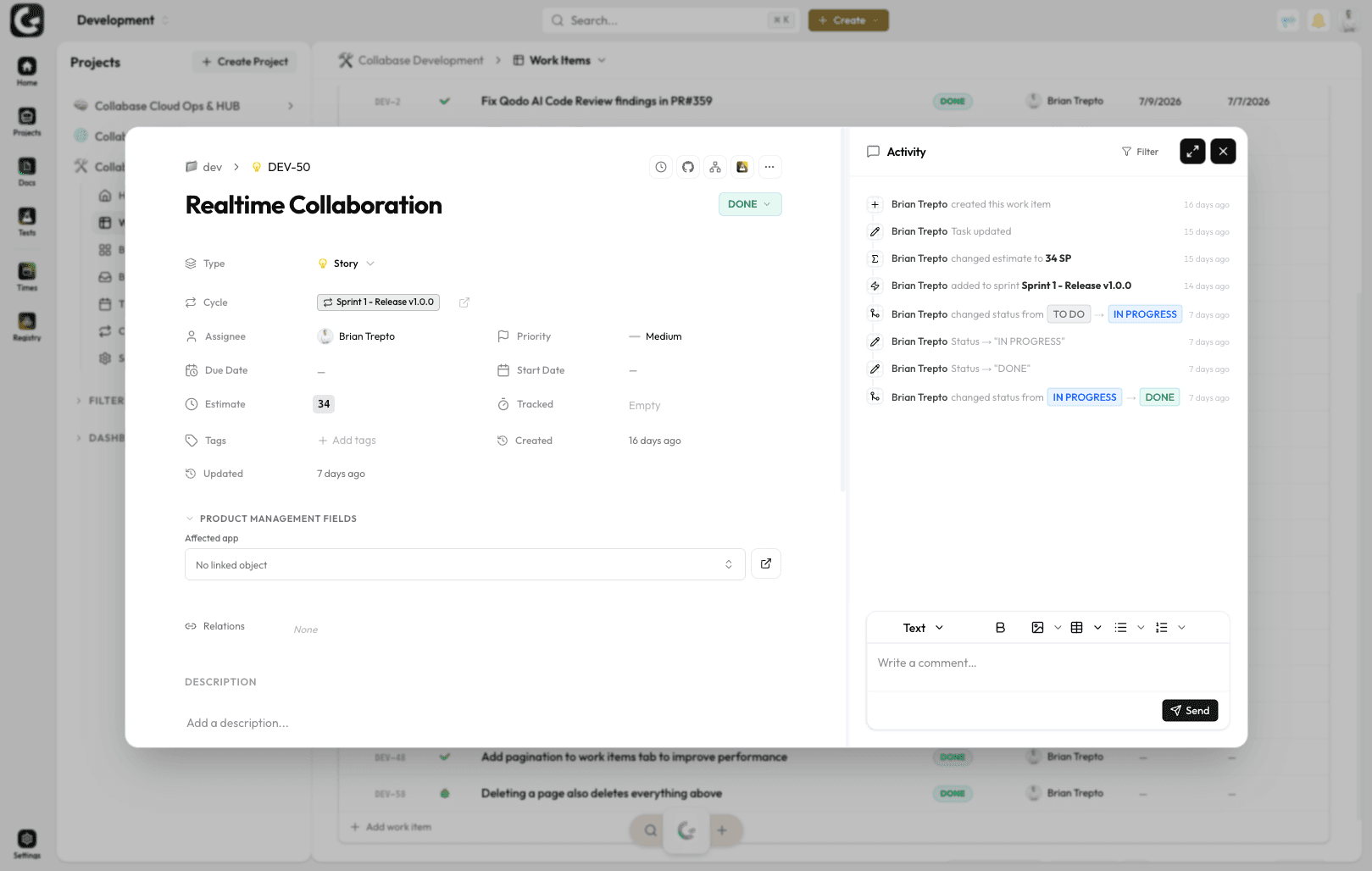
Reports by client and project
Reports per client, project, cost centre, team or period. The export to Excel or PDF goes straight into invoicing and payroll.
Week view with drag and drop
The calendar view shows the week per person. Entries are moved, extended or split by drag and drop, for everyone who prefers to work visually.
Budgets per project
Project budgets in hours or francs, with automatic warnings at 80 and at 100 percent. For consulting mandates, agency projects and large internal programmes.
Where it pays off.
Agencies
Retainer and project billing, client reports per month.
Consulting
Effort records per mandate, control on fixed-price work.
Software development
Measure sprint effort and calibrate estimates against it.
Service desk
Handling times per ticket category as the basis for the SLA.
Time is one app of seven.
The clock runs on tasks from Projects, on test runs from Test Management, on tickets from the service desk and on records from Registry. Every app shares login, permissions and data. One contract, one deployment, one contact.

Docs

Projects

Intranet

Registry

Test Management

Automation

Time
Operations and data sovereignty.
Where the data sits is decided by the operating model, not by the small print.
Swiss hosted
Operated on Swiss public cloud at Infomaniak, one isolated environment per customer. Content is processed in Switzerland only, apart from the upstream web application firewall.
Self-hosted
Runs on your own infrastructure. Full control over the data, no access from outside.
revFADP & GDPR
Data processing agreement included. Compliant with the revised Swiss data protection act and the GDPR.
One product, all apps.
Collabase Enterprise
On request
Staged by user count
Time is part of the Enterprise plan. All seven apps, no add-ons.
Questions from first conversations.
Time in practice: what comes up most often in a first conversation.
Where is time logged?
Directly on the task, the ticket or the project. There is no second tool and no month-end transfer. The week view shows what is still missing.
Which dimensions can be reported on?
Customer, project, cost centre, person and period. The reports come out of the entries themselves, without a second round of data capture for billing.
What happens when a project budget runs out?
The people responsible are warned as soon as the effort approaches the budget limit. The signal arrives while something about the project can still be changed.
How does billable effort reach accounting?
As an Excel or PDF export, by customer, project or cost centre. Billing rules and rates live in the system, so the export can be passed on without rework.
Try Time on a running client mandate.
In the proof of concept we set up Time for one of your active projects and produce a real monthly statement, with your clients, your projects and your invoice format.