In short.
Collabase Automation is the automation engine of the Swiss platform Collabase. Triggers, conditions and actions are built in the visual builder, with native access to test runs, Docs pages and Registry records. Execution happens on your own infrastructure.
Without task limits
Unlimited runs, no billing per executed step
On your infrastructure
Self-hosted or in the Isolated Cloud, without passing data to third parties
Native to Collabase
Access to test runs, Docs pages and Registry records without API keys
38 integrations
From Bexio and Abacus to Jira and GitHub, plus webhooks and REST API
When recurring steps turn into a full-time job.
Reports are clicked together by hand on Friday afternoon. Alerts for critical events travel by email and drown in the inbox. Data moves between two systems by copy and paste. The Automation Engine takes over those steps, and the processing runs on your own infrastructure.
A recurring weekly report costs two to four hours every week.
Data exchange between two internal systems runs on manual export and import today.
External automation services are out of the question for compliance reasons, because data would leave the company network.
What you gain.
Visual flow builder
Triggers, conditions and actions in a drag-and-drop editor. Branches, loops and waits are built without code, and changes take effect immediately.
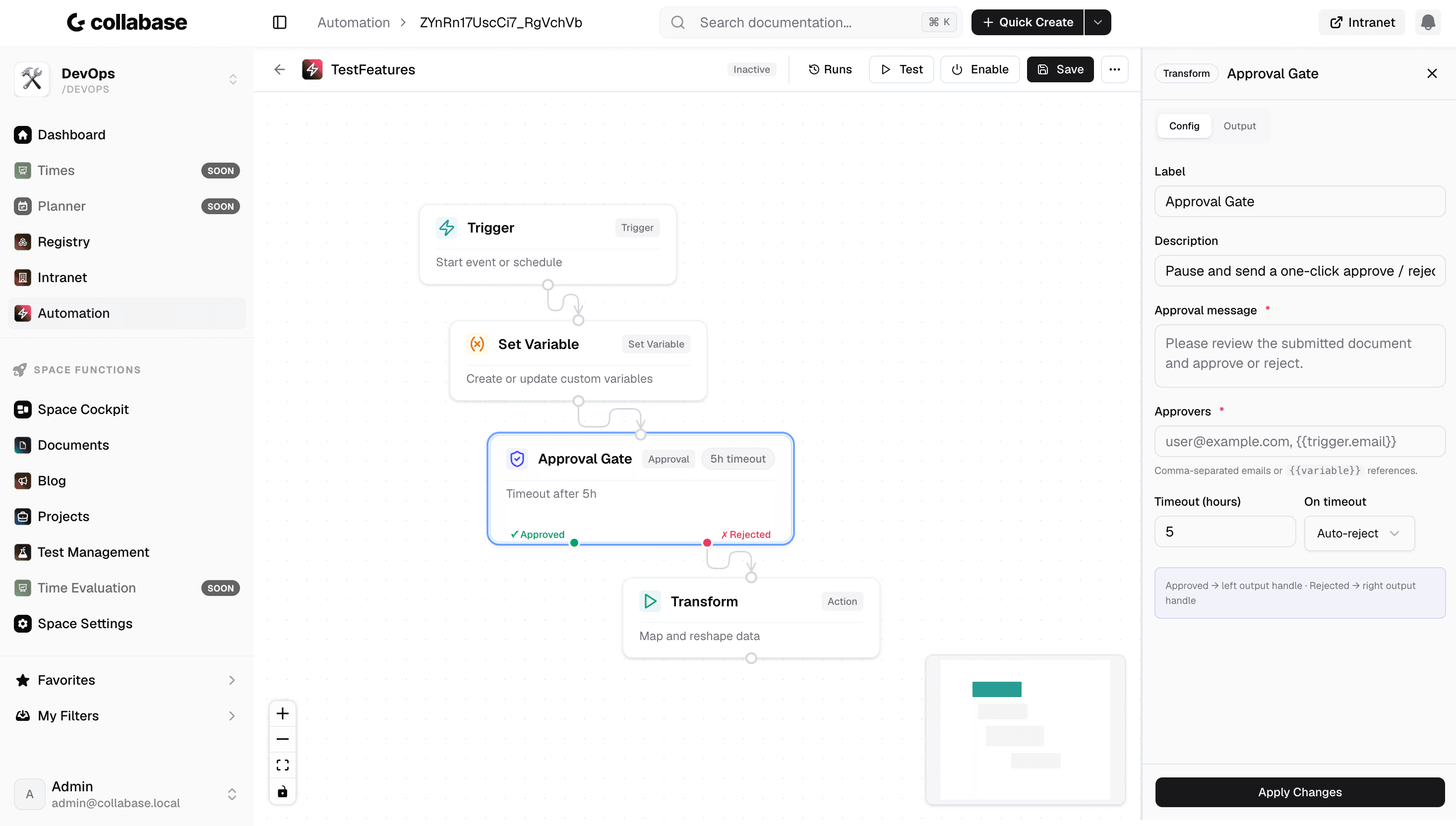
38 integrations out of the box
Slack, Teams, GitHub, Jira, Bexio, Abacus, email, HTTP webhooks and REST APIs. A connection is set up once and is then available in every flow.
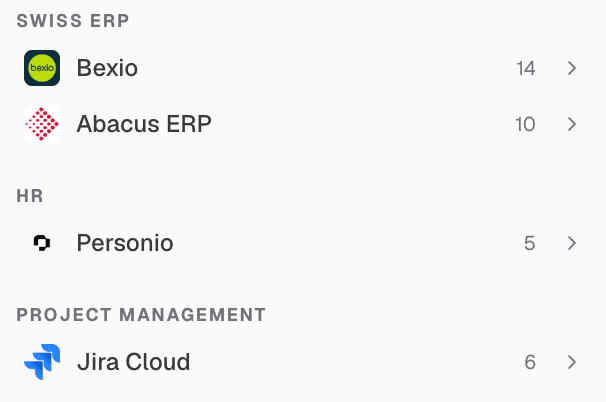
Native Collabase actions
Start test runs, create Docs pages, create tasks in Projects, update Registry records. Without an API key, because the automation uses the logged-in session.
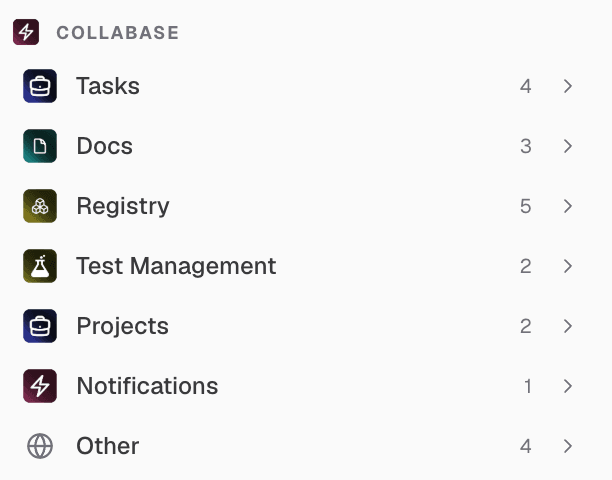
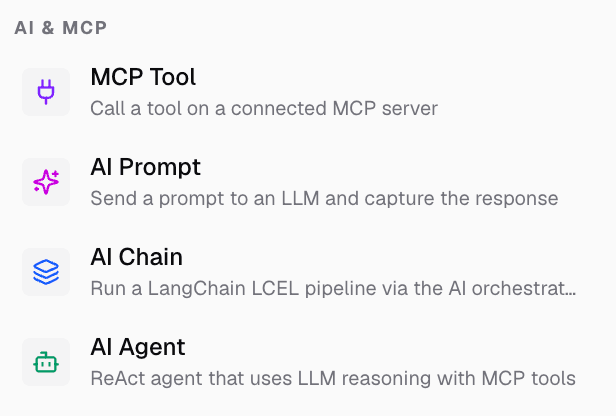
AI blocks inside the flow
Classify free text, draft answers, produce summaries. The AI blocks use the same provider you connected for Collabase AI, or one of their own for automation.
Where it pays off.
Alerts
Notifications on critical events, escalation after a set time.
Recurring reports
Weekly reports, key figures and status overviews on schedule.
Data synchronisation
Matching between internal systems without external staging.
Approval processes
Multi-stage approvals with reminders and escalation.
The Automation Engine is one app of seven.
It starts test runs in Test Management, creates records in Registry, publishes pages in Docs and creates tasks in Projects, without API keys, because it uses the logged-in session. Every app shares login, permissions and data. One contract, one deployment, one contact.

Docs

Projects

Intranet

Registry

Test Management

Automation

Time
Operations and data sovereignty.
Where the data sits is decided by the operating model, not by the small print.
Swiss hosted
Operated on Swiss public cloud at Infomaniak, one isolated environment per customer. Content is processed in Switzerland only, apart from the upstream web application firewall.
Self-hosted
Runs on your own infrastructure. Full control over the data, no access from outside.
revFADP & GDPR
Data processing agreement included. Compliant with the revised Swiss data protection act and the GDPR.
One product, all apps.
Collabase Enterprise
On request
Staged by user count
Automation Engine is part of the Enterprise plan. All seven apps, no add-ons.
Questions from first conversations.
Automation Engine in practice: what comes up most often in a first conversation.
Where do the automations run?
On your own infrastructure, self-hosted or in the Isolated Cloud. Execution does not leave your environment and is not handed to a third party.
Do we need API keys for actions inside Collabase?
No. Test runs, Docs pages and Registry records can be addressed natively. You only need a key for external systems that you connect yourself.
Which systems can be connected?
38 integrations, from Bexio and Abacus to Jira and GitHub. Anything not on that list can be connected through webhooks and the REST API.
How is a flow built?
In the visual builder, from three parts: a trigger, conditions and actions. Triggers are events from any app, such as a new record in Registry or a failed test run.
Automate the process that costs you the most time.
In the proof of concept we rebuild one of your real weekly or monthly processes as an automation, on your own system and with your real connections.