In short.
Collabase Projects is the project management of the Swiss platform Collabase. Engineering, marketing, service desk and HR work in the same system, with boards, backlogs, roadmaps and queues. Effort is logged on the task itself, without a second tool.
1
Place for every department
Development, marketing, service desk and HR in the same system
38
Integrations
From Bexio and Abacus to Jira and GitHub
Included
Time tracking
No second tool for logging hours
7
Apps in one product
Projects is one of them
When projects live in too many tools.
Development works in a ticket system, marketing in a board tool, support in a shared ticket mailbox, HR in a spreadsheet. Status reports are pulled together by hand, hours are logged in a separate tool, and handovers between departments break down. Projects brings that work into one system: for each team in the format that fits, for management in a single view.
Status reports cost you two hours every Friday.
Hours per client or project cannot be stated cleanly at month end.
Handovers get lost between departments because each one works in a different tool.
What you gain.
One system, many ways of working
Scrum board for development, kanban for service, list for campaign planning, backlog for the product roadmap. Every team works in the format that fits its work. Above it sits a portfolio view for management.
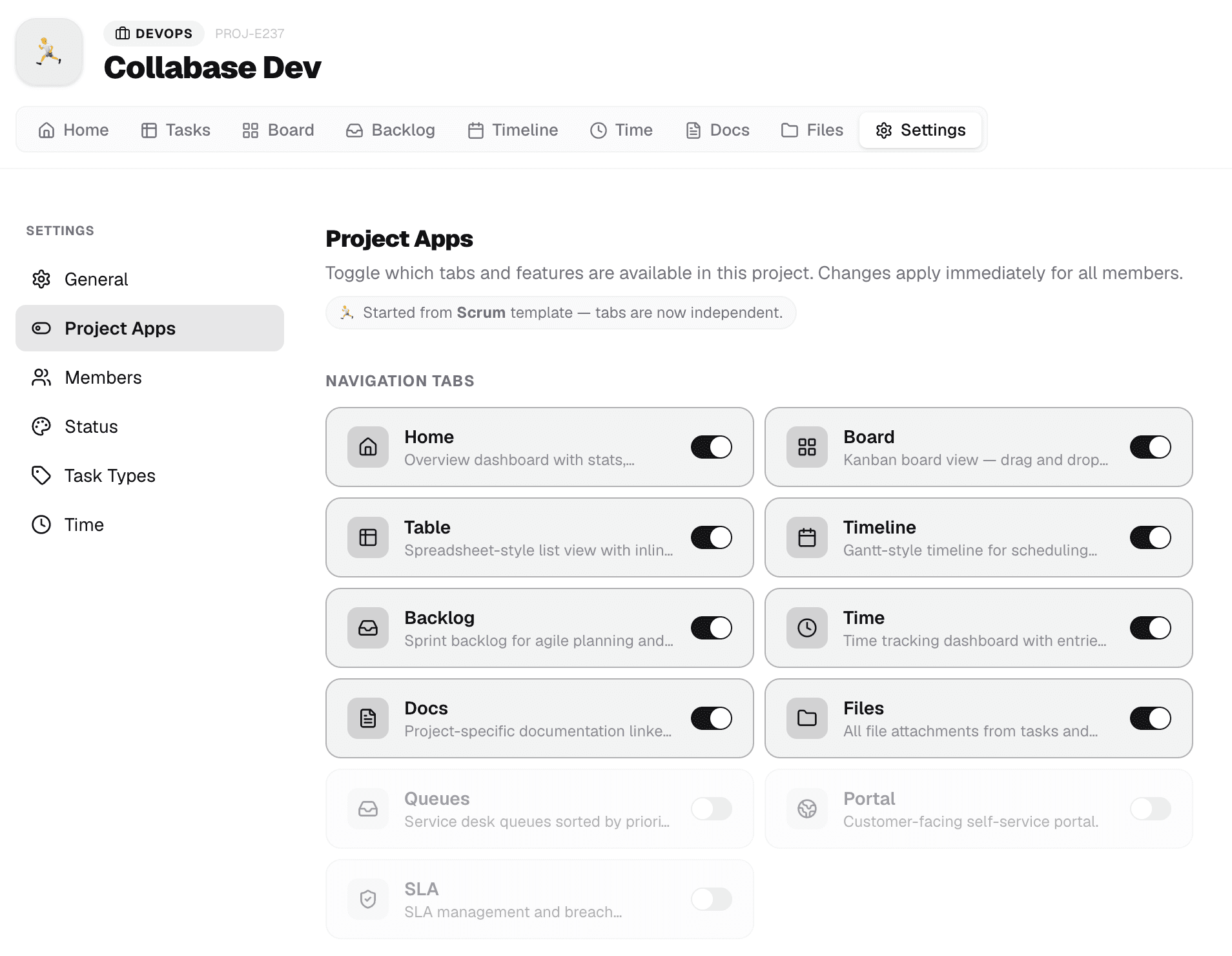
Hours visible, without an extra tool
Time is logged where the work happens: on the task. Reports by project, client, department or cost centre are ready without an export. Anyone logging hours in a second tool today saves that step.
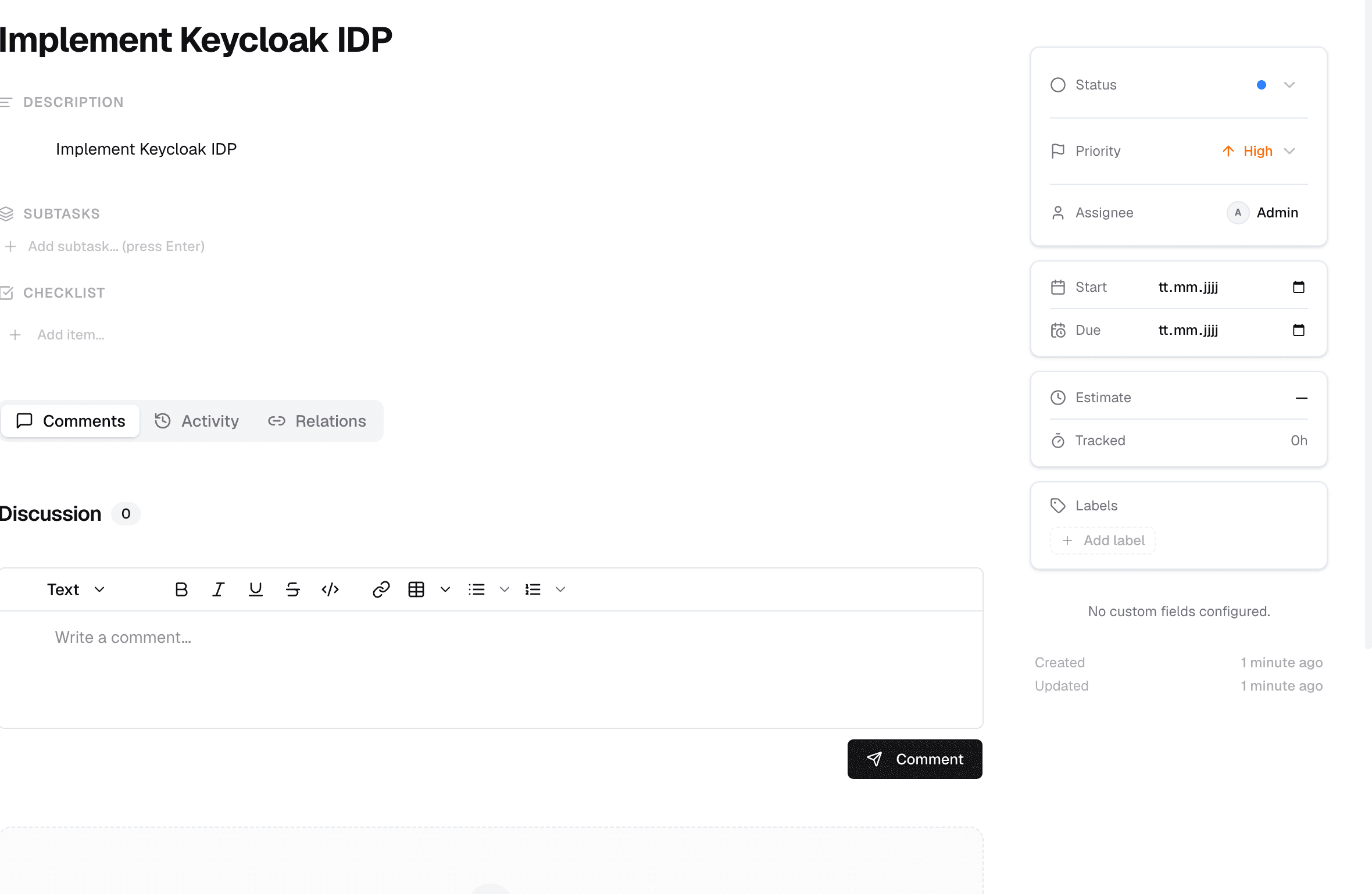
Modular per project
Not every project needs sprints, not every project needs budgets. Modules such as time tracking, sprints, releases or service desk can be switched on per project. The view stays lean for HR while development uses the full set.
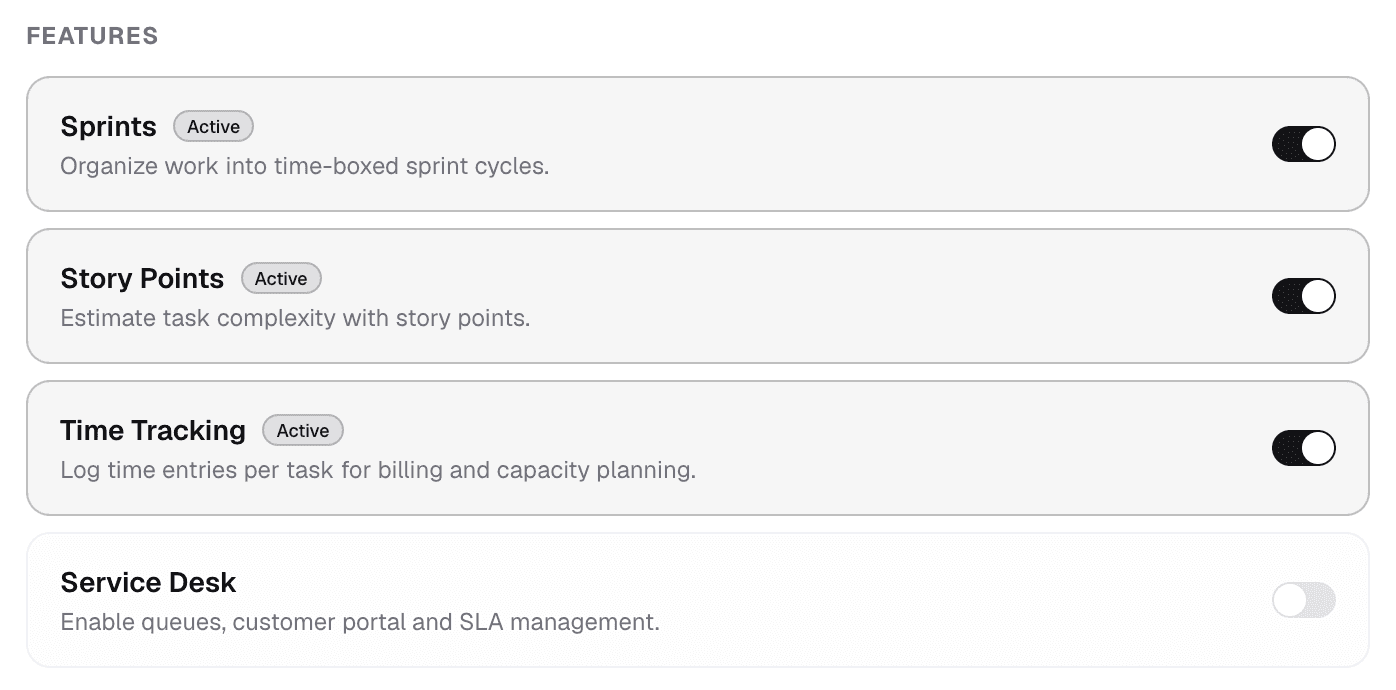
Cycles A time span with burndown and scope line.
A starting template for every department.
Preconfigured projects for the most common scenarios. Adjustable, but ready to go.
Software development
Sprints, backlog, story points, story/task/bug/sub-task. Connects to GitHub and Jira.
Marketing
Campaign plan, editorial calendar, asset approvals, client hours per campaign.
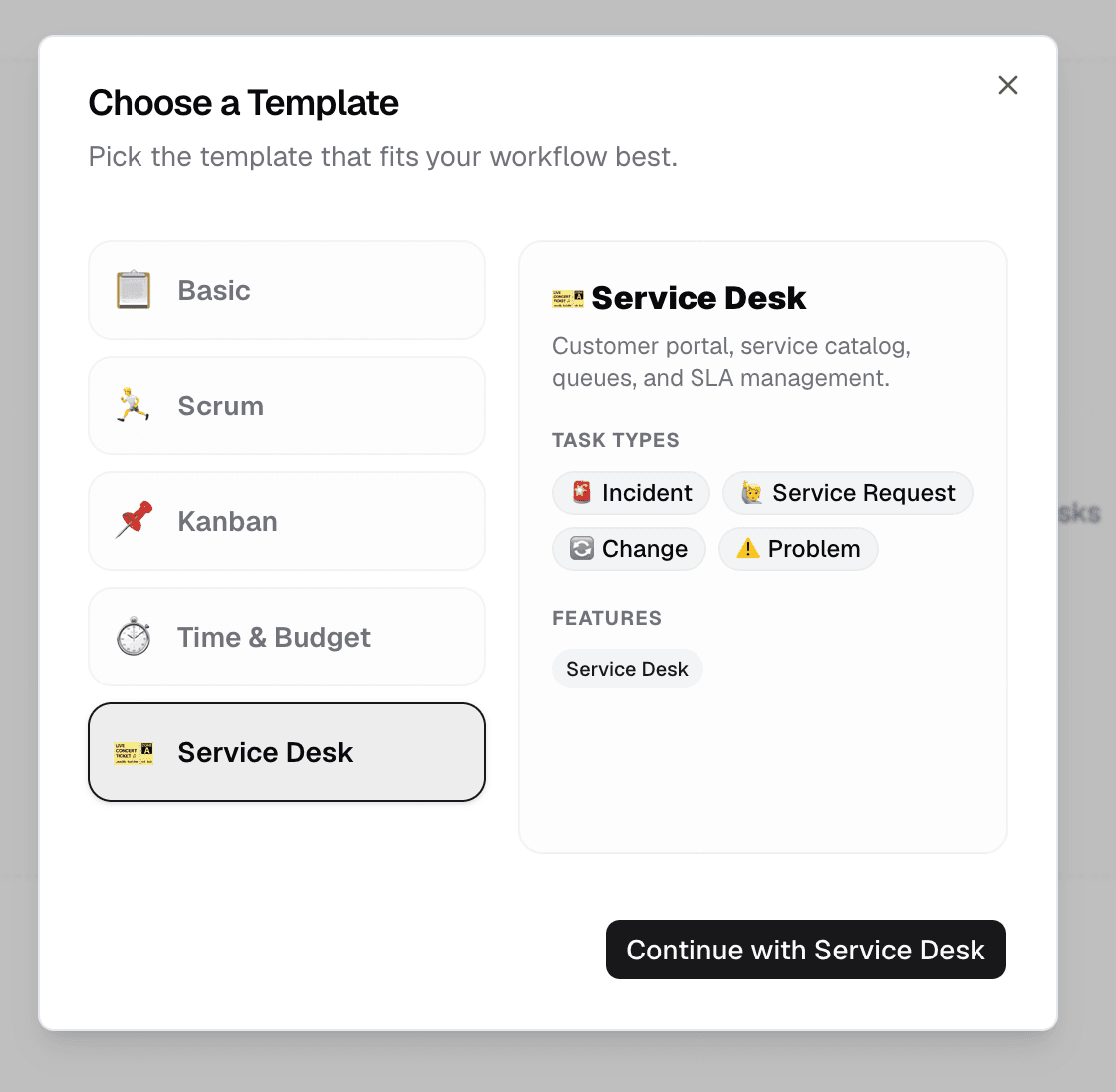
Service desk
Customer portal, queues, SLAs, ITIL-compliant incident and change templates.
HR & onboarding
Checklists for joiners and leavers, one per location, handovers to IT and facility.
Log time where the work happens.
Hours run along with the task, not in a separate account. Reports by project, client or cost centre are ready for accounting. For consultancies, agencies and internal cost centres this is the point where the tool pays for itself.
Projects is one app of seven.
Docs for documentation, Intranet for internal communication, Test Management for quality assurance, Automation for recurring steps. Every app shares login, permissions and data. One contract, one deployment, one contact.

Docs

Projects

Intranet

Registry

Test Management

Automation

Time
Operations and data sovereignty.
Where the data sits is decided by the operating model, not by the small print.
Swiss hosted
Operated on Swiss public cloud at Infomaniak, one isolated environment per customer. Content is processed in Switzerland only, apart from the upstream web application firewall.
Self-hosted
Runs on your own infrastructure. Full control over the data, no access from outside.
revFADP & GDPR
Data processing agreement included. Compliant with the revised Swiss data protection act and the GDPR.
One product, all apps.
Collabase Enterprise
On request
Staged by user count
Unlimited projects, all seven apps, full modularity, Isolated Cloud or self-hosted.
Questions from first conversations.
Projects in practice: what comes up most often in a first conversation.
Which departments is Projects suited to?
Engineering, marketing, service desk and HR work in the same system, each with its own starting template. Boards, backlogs, roadmaps and queues are available to all of them. What differs is the workflow and the fields, not the tool.
Do we need a second tool for time tracking?
No. Effort is logged directly on the task, the ticket or the project. Reporting by customer, project or cost centre follows from that, with nobody transferring numbers by hand.
Can Jira and GitHub be connected?
Yes, through the connectors that ship with the platform. Issues can be read and written from Collabase, and events from both systems can trigger automations. There are 38 integrations in total.
How do cycles and sprints relate?
A cycle is the time frame with a start, an end and a burndown, across all apps. A sprint is the same cycle under the name an engineering team uses. Both operate on the same work items.
See Projects with your own projects.
In the proof of concept we set up Projects with one to three of your real projects. You judge it on your own data, not on a demo environment.