In short.
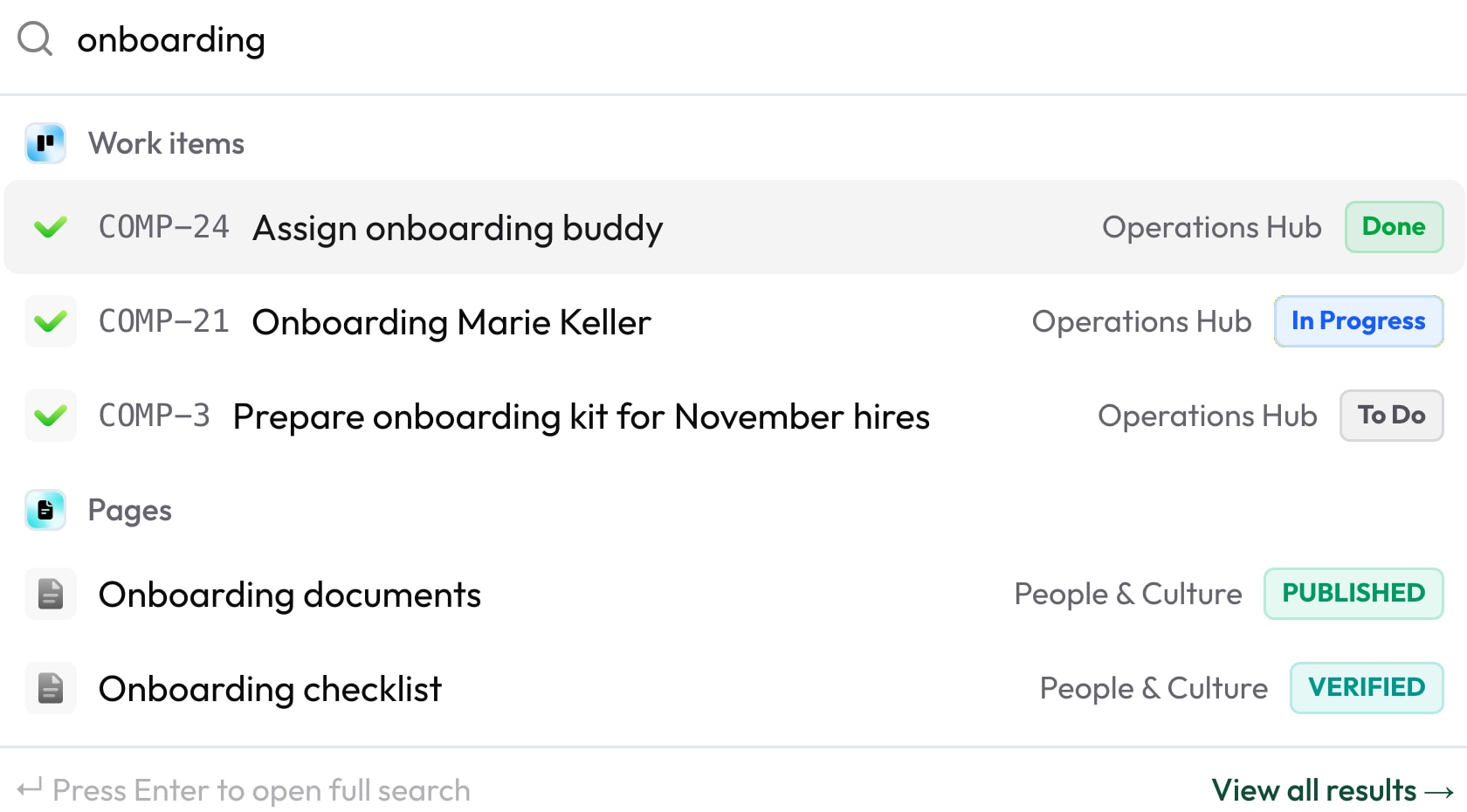
Search and filters in Collabase find work items, pages, projects, registry entries and test cases across all apps. The header search groups results by kind, the search page uses filter mode or the CQL query language. Saved filters can be shared and sent by email. Search covers page text, descriptions and comments, not attachments.
Header search with Cmd or Ctrl+K
Results grouped by kind, at most five per group, “Recently viewed” before you type
Two ways to a query
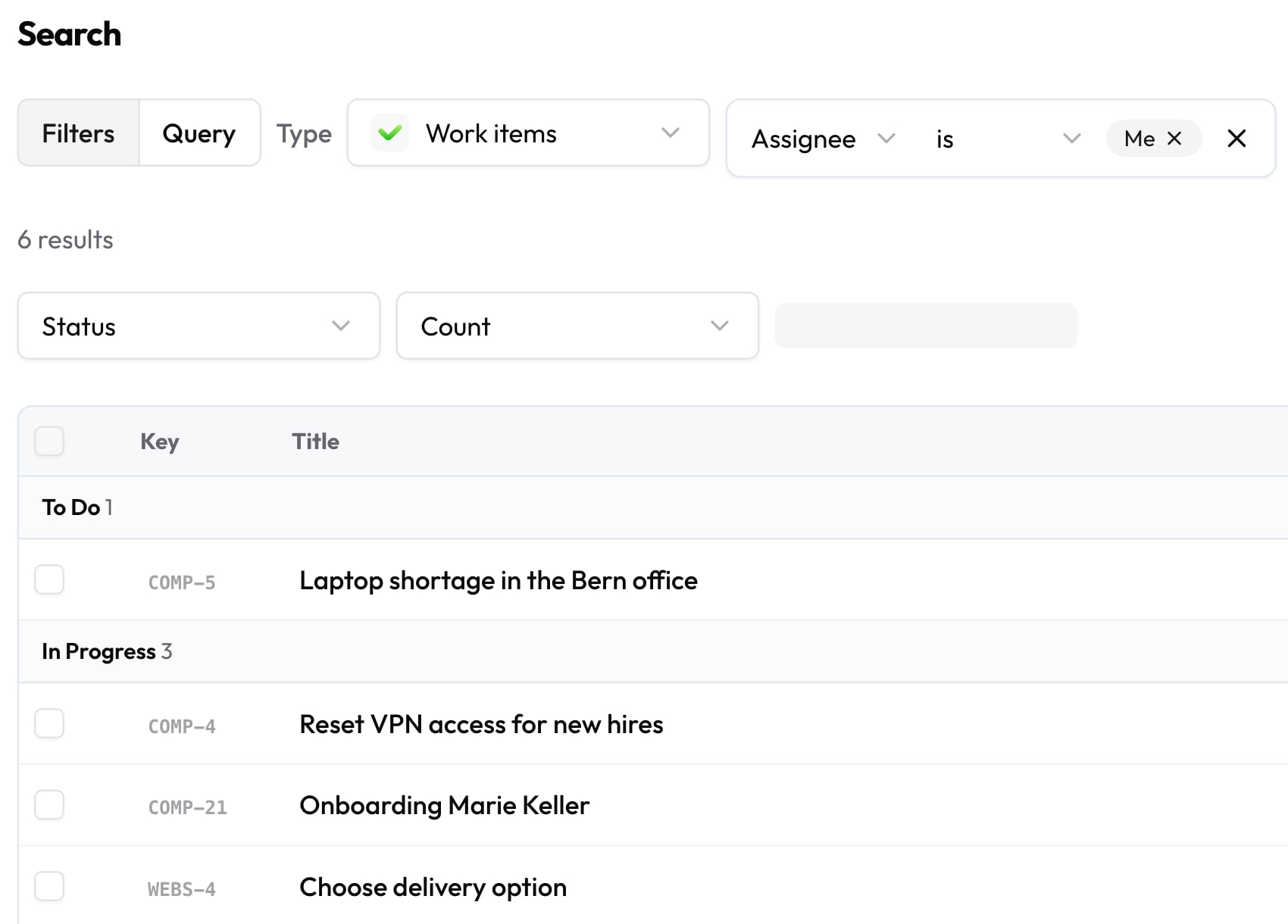
Filter mode to click together, or query text with suggestions and error marking
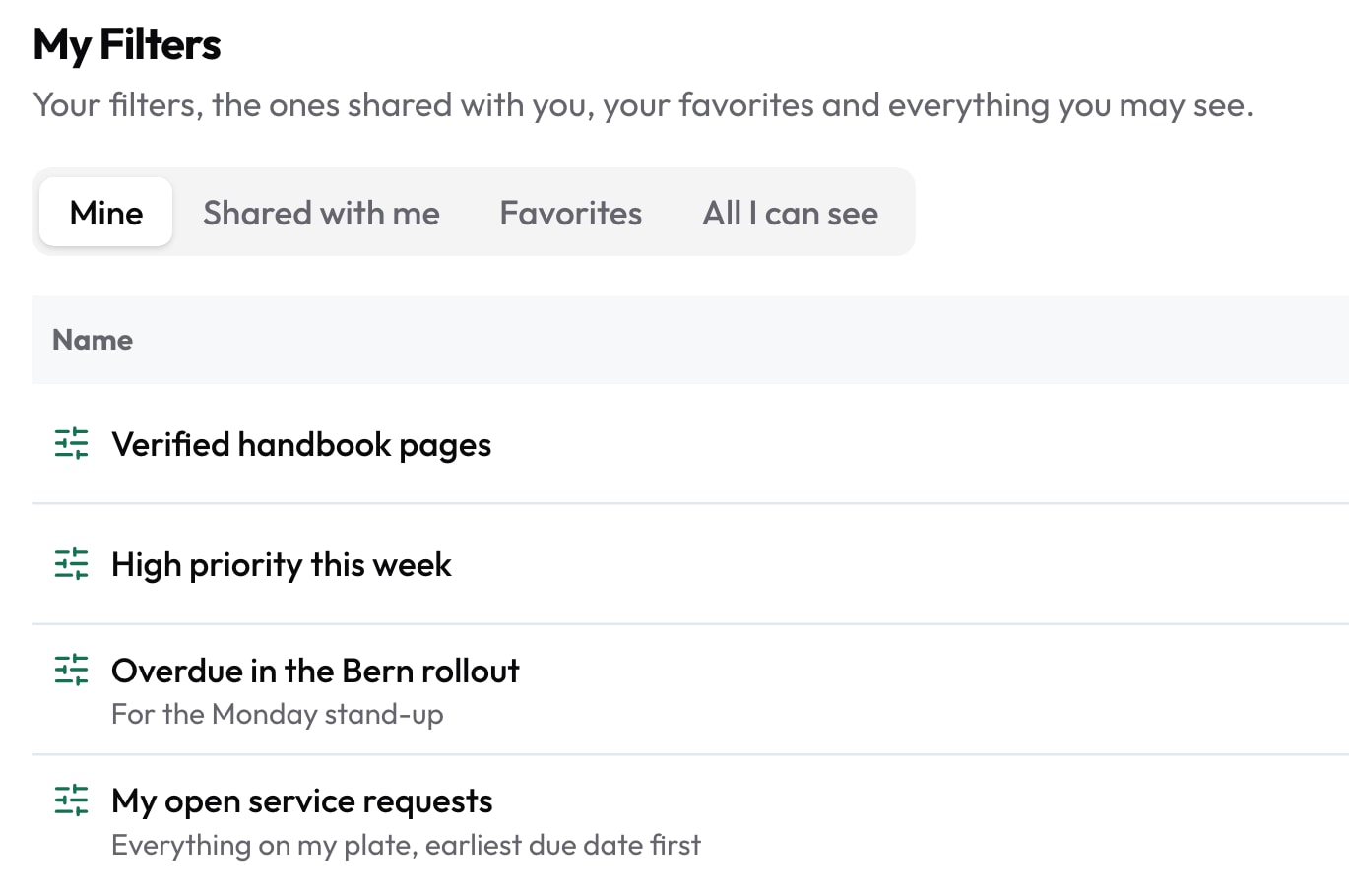
Saved filters
Shared with a person, group, space, project or everyone, up to 100 shares
Email subscription
The results arrive in your inbox daily or weekly
When you know it's there and can't find it.
That one ticket sits somewhere between tasks, pages and comments. Every morning someone builds the same list again. The header search shows everything in one window, and a saved search is ready again the next day. An example from the demo: Monday, 8:05. Lena's filter “My open requests” is already in her inbox before she starts her computer.
- 01
A work item only turns up after three different views.
- 02
The same list is rebuilt by hand every morning.
- 03
A good query stays with the person who built it.
What you gain.
01
Write queries like text
In query mode you write the condition in the CQL query language. As you type, Collabase suggests fields and values and marks what doesn't fit. If you'd rather ask in your own words, use “Ask AI”: a sentence becomes a suggested query that you check before you run it. This needs a configured AI provider.
Suggestions as you type · Ask AI with a check step

02
Filter and summarise without syntax
In filter mode you click the conditions together. You choose columns and sorting yourself, with 50 results per page. “Group by” and “Measure” summarise the results into groups. Search covers work items, pages, projects, the registry and test cases, one kind at a time or all at once.
Group by and Measure · 50 results per page
03
Quick filters above every board
Above board and list sits a row of chips. One click narrows the view, and the selection lives in the link. Whoever gets the link sees the same selection. When a chip is no longer enough, “Open as filter” takes you into the full query.
Selection in the link · Open as filter
04
Save, share, subscribe
“My Filters” holds your saved filters. You share them with a person, a group, a space, a project or everyone, with “Can use” or “Can edit”. A subscription sends the results daily or weekly by email. If another system needs the list, it fetches it through the API.
Can use or Can edit · Daily or weekly
Who this pays off for.
Service desk
“My open requests” as a shared filter, in the inbox every morning.
Department leads
A saved query groups the work and supplies the numbers for a dashboard gadget.
Quality assurance
You search test cases and registry entries with the same queries as work items.
Project management
A quick filter in the link shows everyone in the meeting the same selection.
Search and filters reach across all apps.

Search finds work items from Projects, pages from Documents, registry entries and test cases from Test Management. A saved filter also serves as the source of a dashboard gadget. Questions in your own words are answered by Collabase AI once an administrator turns on semantic search in the AI settings. All apps share login, permissions and data. One contract, one deployment, one point of contact.







Operations and data sovereignty.
Where the data sits is decided by the operating model, not by the small print.
Swiss hosted
Operated on Swiss public cloud at Infomaniak, one isolated environment per customer. Content is processed in Switzerland only, apart from the upstream web application firewall.
Self-hosted
Runs on your own infrastructure. Full control over the data, no access from outside.
revFADP & GDPR
Data processing agreement included. Compliant with the revised Swiss data protection act and the GDPR.
Questions from first conversations.
Search and filters in practice: what comes up most often in a first conversation.
What does the header search cover?
Work items, pages, projects and other content, grouped by kind with at most five results per group. It searches published page text, descriptions and comments, not attachments. Before you type, the header search shows what you viewed recently.
How do filter mode and query text differ?
In filter mode you click the conditions together, without syntax. In query text you write them in the CQL query language, with suggestions and error marking. Both end in a result list that you can save as a filter.
Can we share saved filters?
Yes. A filter can go to a person, a group, a space, a project or everyone, with up to 100 shares. Each share allows “Can use” or “Can edit”. An email subscription sends the results daily or weekly.
Can someone see results they aren't allowed to open?
No. Results only come from what the person is allowed to open. Guests only see what has been shared with them.
Build your morning list from your own work items.
In the proof of concept we set up filters, quick filters and subscriptions for one team, using your own content.
Pricing: from 16 CHF per user and month